 TARKOV
The full tour
Six tools. Zero filler.
Scroll and the screen follows the story — each chapter shows one tool doing its job, from the moment you pick a map to the moment your squad extracts.
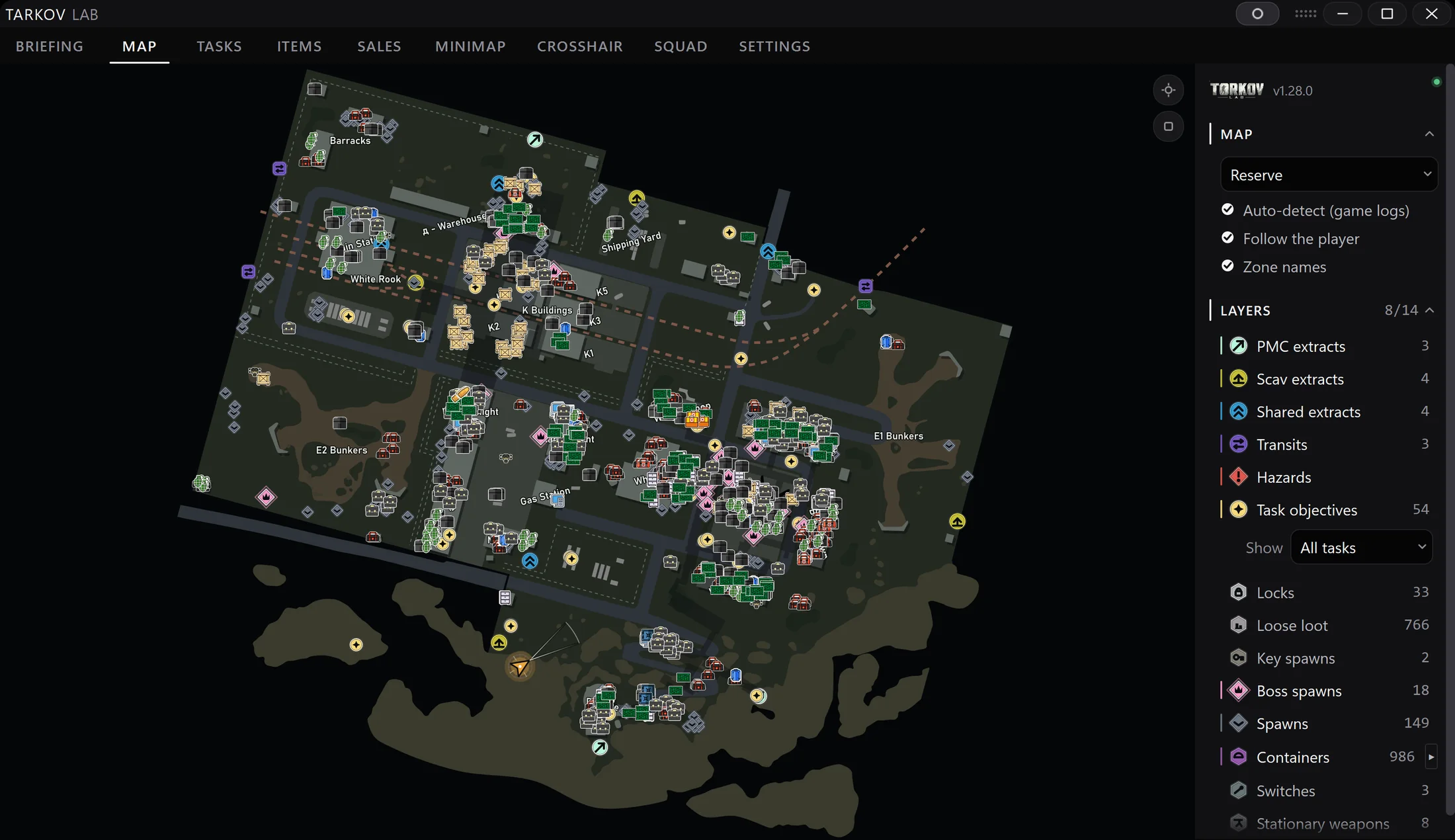
The map follows you
One key in a raid and you know where you are: your position, floor and heading, live on a detailed map of every location.
- All 12 maps, every floor and basement
- Extracts, quest objectives, loot and keys as layers you toggle
- Position, floor and heading update as you move
- Runs beside the game — zero game files touched
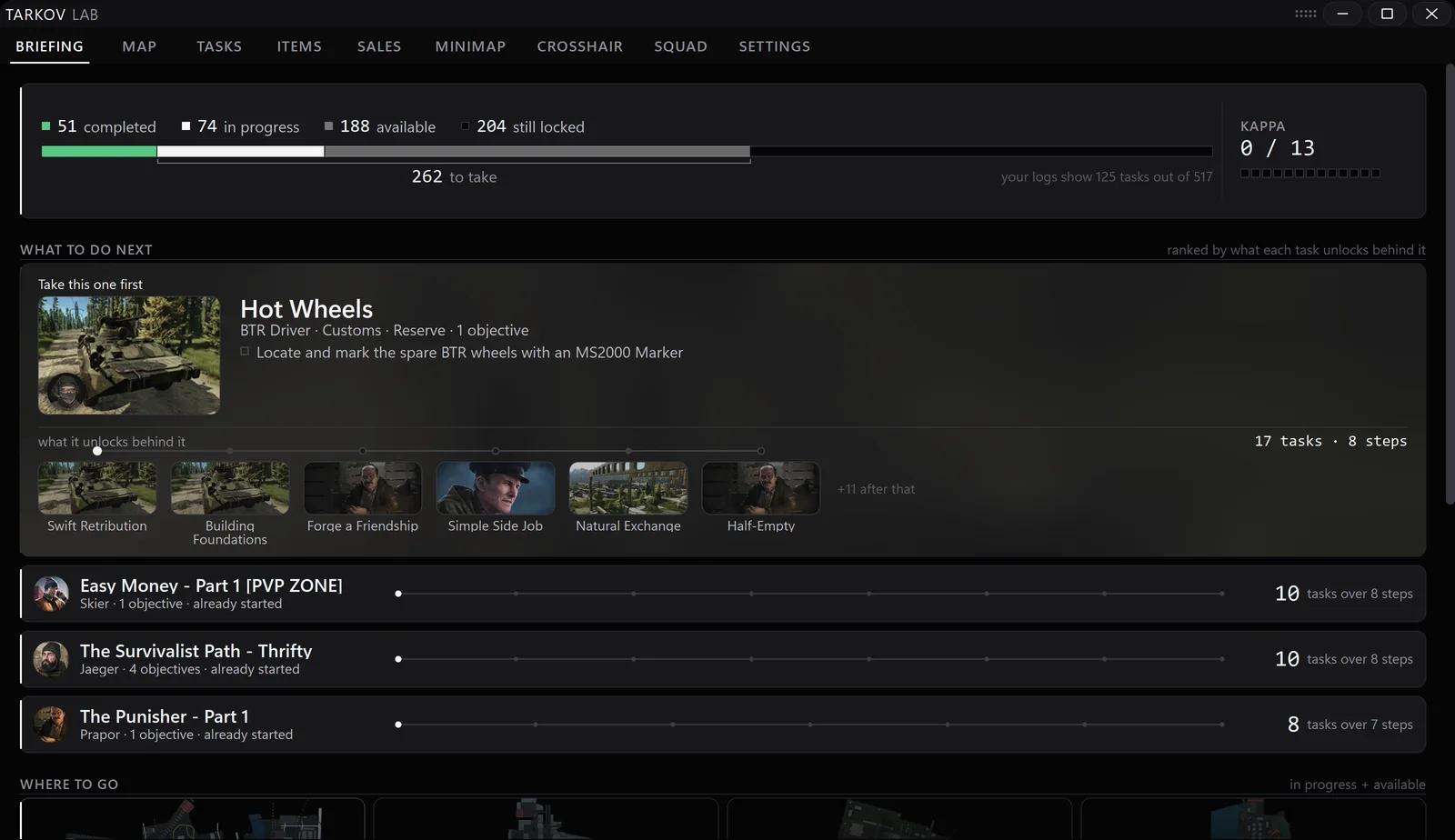
Briefed before you load in
Pick your map and get one screen with everything the raid asks for — before the countdown ends.
- The map with your quest objectives already placed
- What to bring: quest items, keys and handover gear
- Extracts for your side, so the route is planned in advance
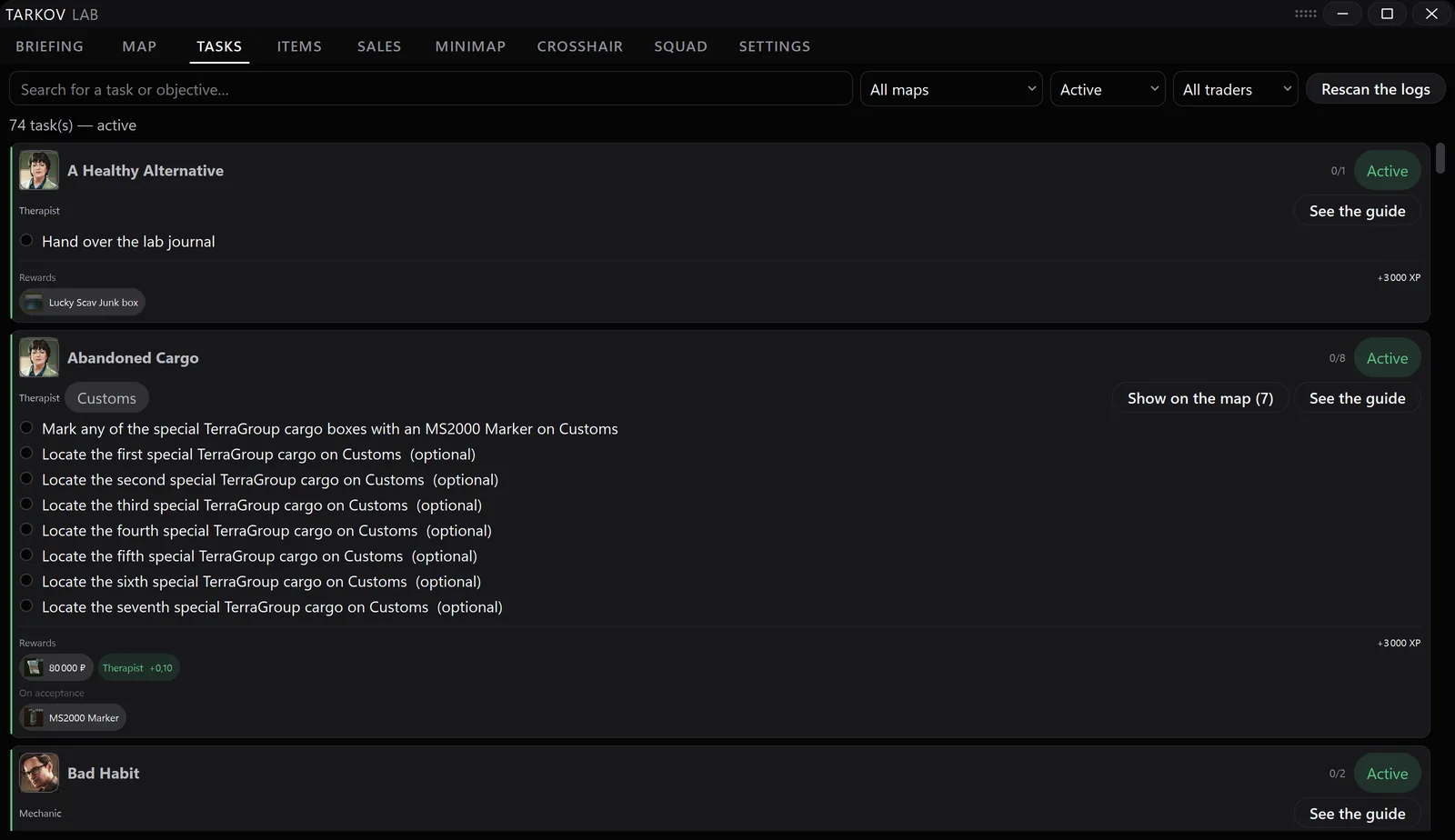
A quest log that tracks itself
Your progress updates automatically as you play — no wiki tabs, no spreadsheet, no checkbox ritual after every raid.
- 500+ quests, always current
- Filter by trader or by map to plan the next raid
- Objectives drawn straight onto the map
- Required items and handovers listed per quest
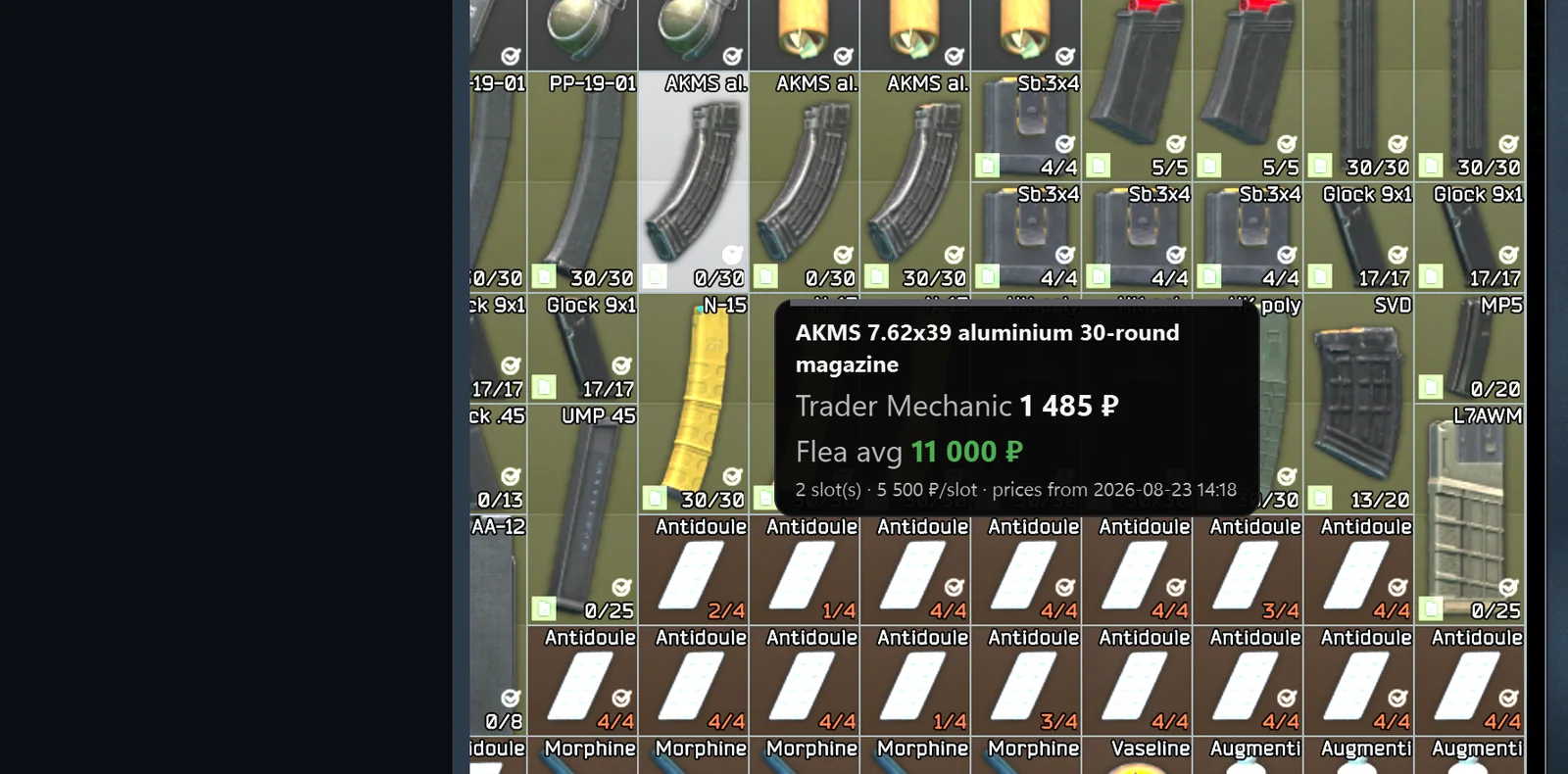
Prices without alt-tabbing
Hover an item in your stash and its value appears right over the game — flea and trader, so you know where it goes.
- Hover any item, see the price — the game stays in front
- One click copies the exact item name for the flea search
- A full item browser: 5,300+ items with prices, uses and quest needs
One monitor is enough
No second screen? Keep a minimap in the corner while you play and bring up the full app when you need it.
- Minimap overlay with your live position, sized and placed how you like
- Custom crosshair editor — shape, size and thickness are yours
- Everything shows and hides with a single key
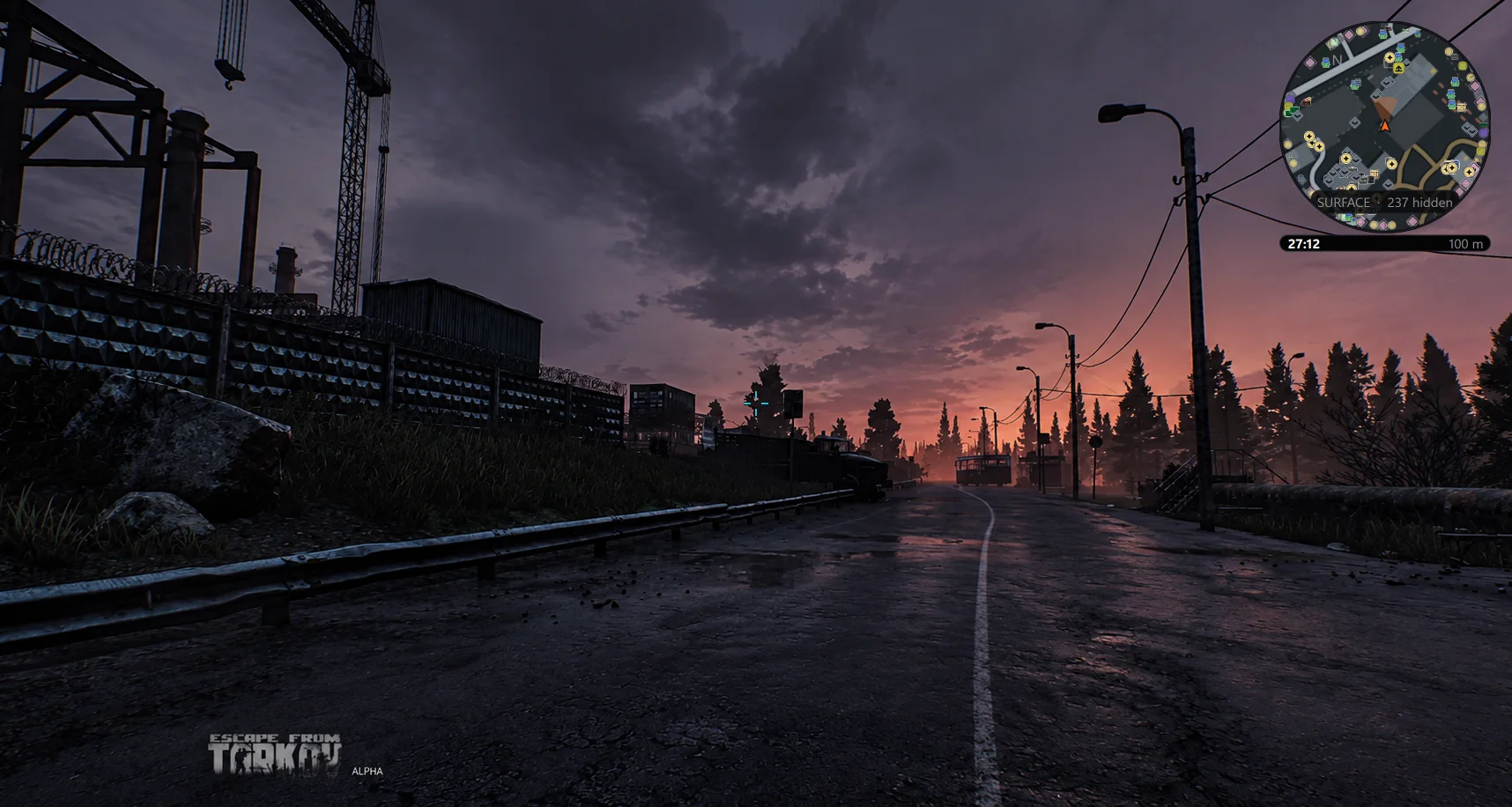
The whole squad, one picture
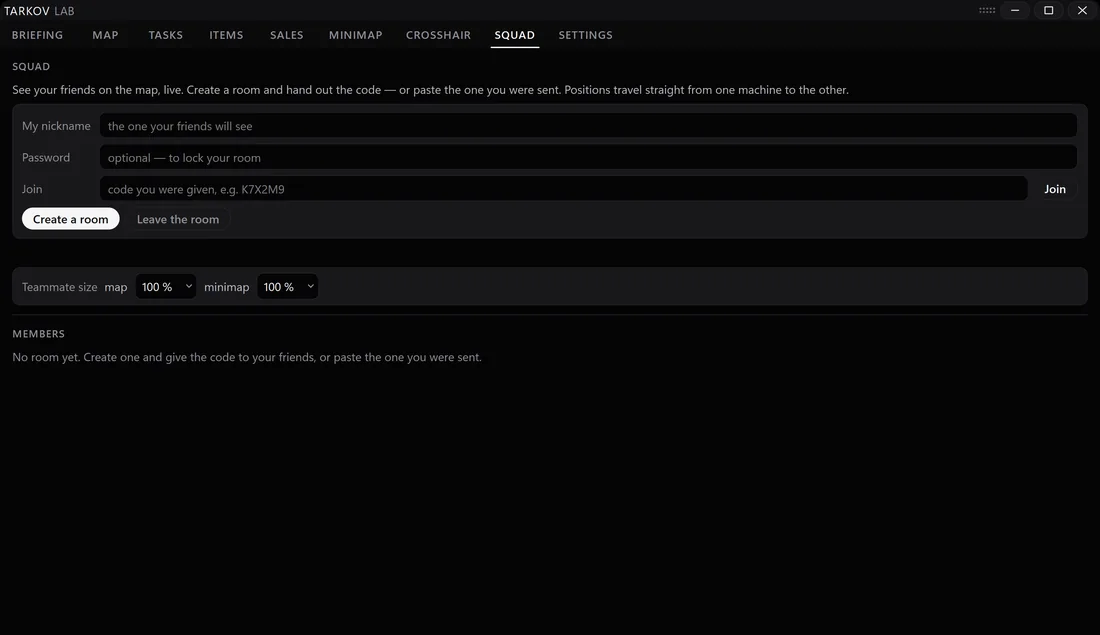
Raid with friends and share the map: everyone sees everyone, live, on the same picture.
- Teammates’ positions on the map in real time
- Ping a point — it shows up for the whole squad
- Works on the second monitor and in the overlay
Seen the tour? Run it tonight.
The beta is free — download, install, and take all six chapters into your next raid. Windows 10 / 11, zero game files touched.