 TARKOV
Free during beta
In your next raid in minutes.
Windows 10 / 11 · 64-bit · beta build, for testing and feedback only
Step by step
How to install Tarkov Lab
Five steps, from the Whop page to your license key.
-
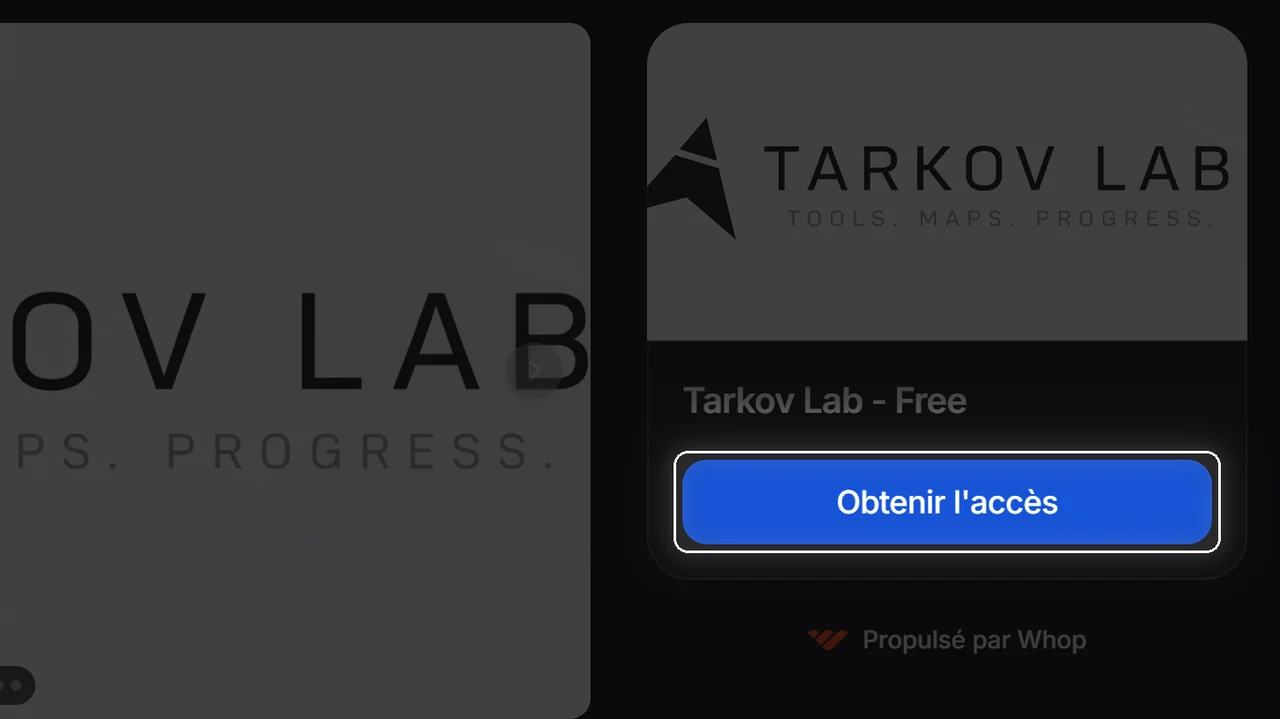
Get access
On the Tarkov Lab page, click Get access under the free plan.
-
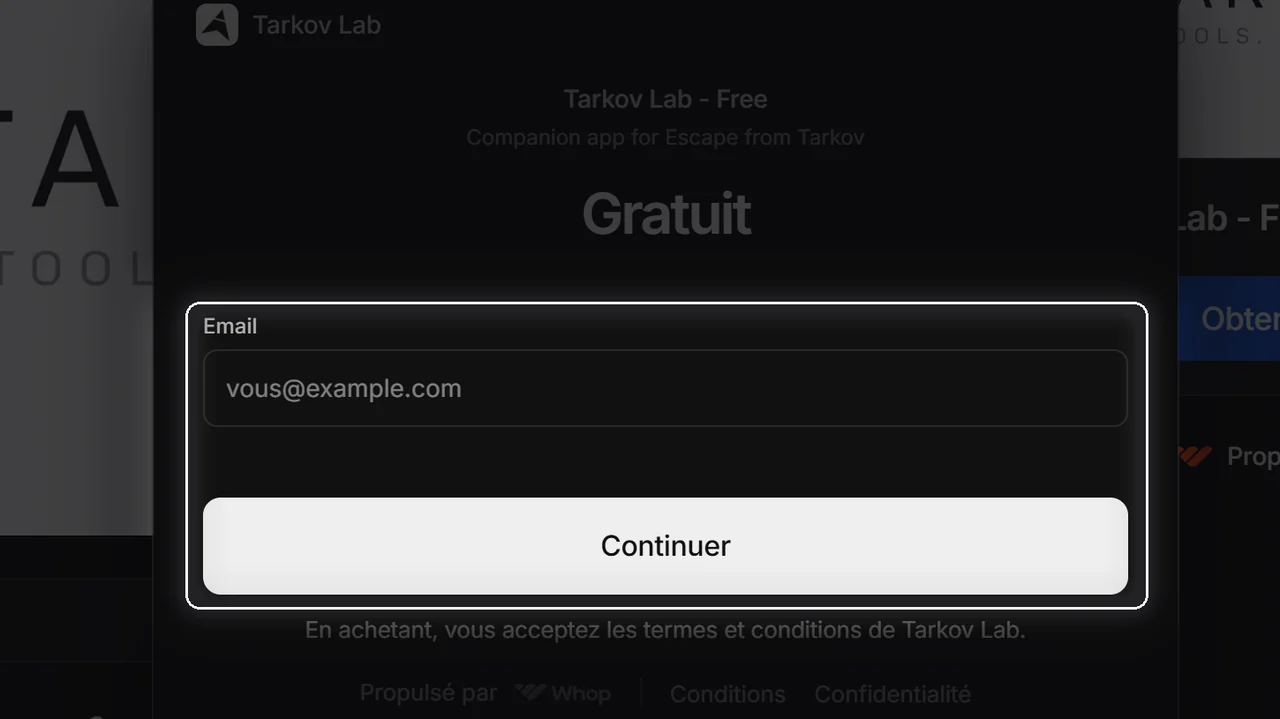
Enter your email
Type your email, then confirm. The beta is free — no card, no payment.
-
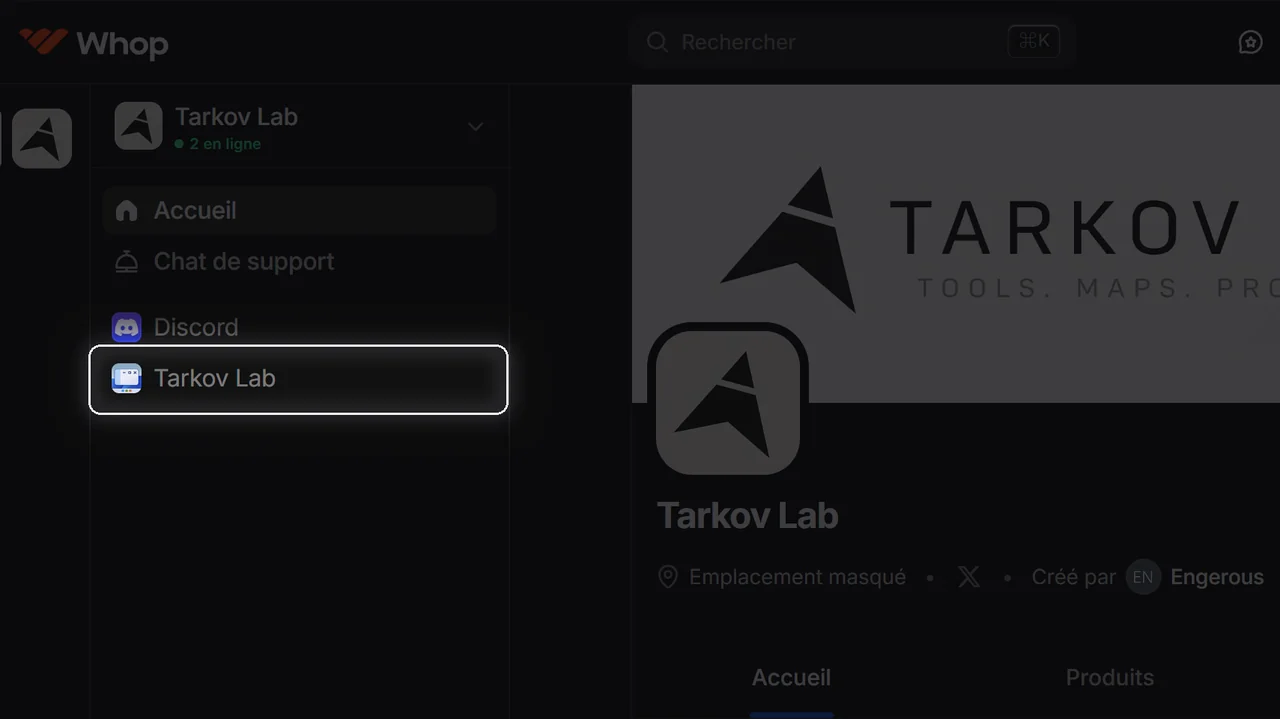
Open Tarkov Lab
Once you are in, open Tarkov Lab in the left sidebar.
-
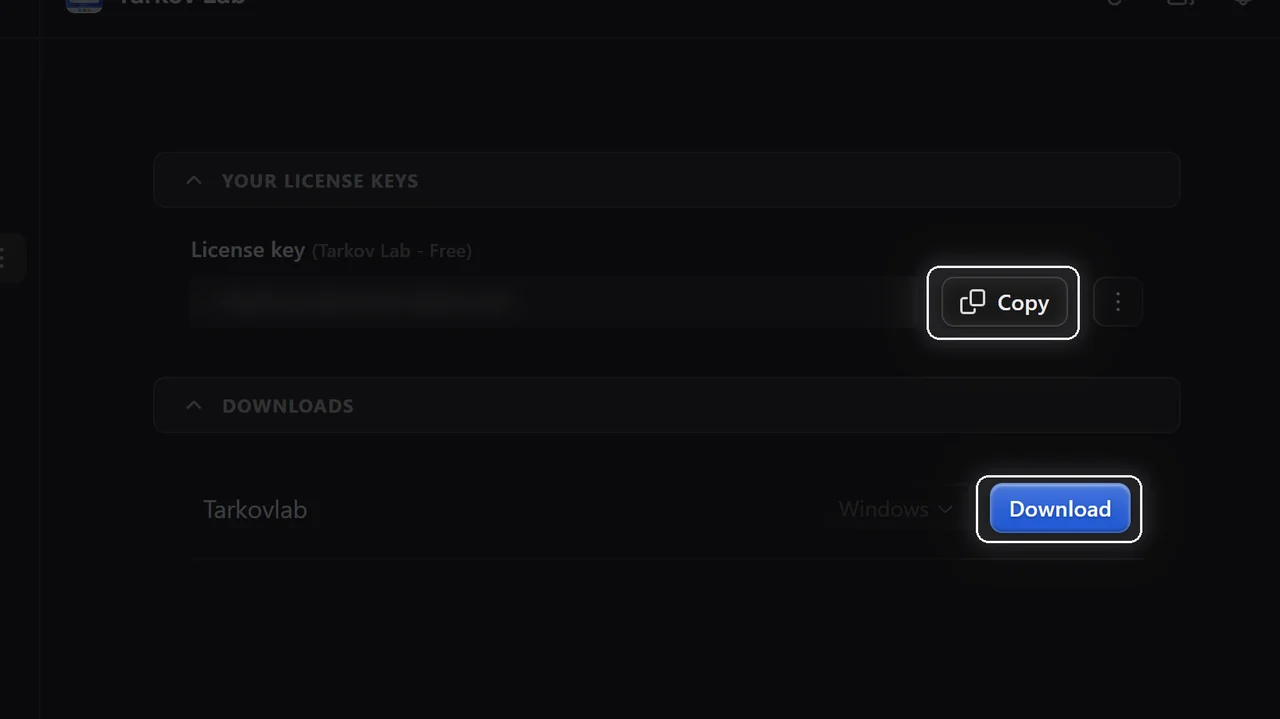
Copy the key, download the app
Copy your license key, then download the Windows build.
-
Paste the key
Launch Tarkov Lab, paste the key, and validate.
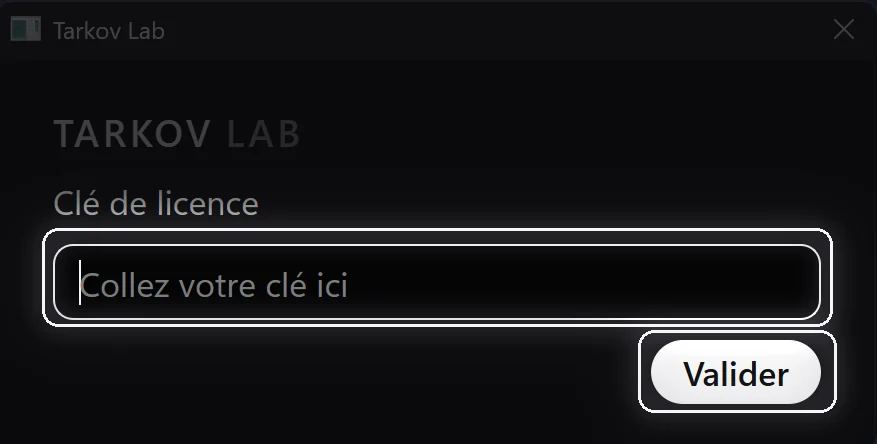
Your license key is personal — keep it to yourself.
Questions
Before you install
Is it really free?
Yes — the full app is free for the whole beta, no card required. Tarkov Lab will become a paid app at launch, and beta users will be warned well in advance. No surprise charges, ever.
Does it change the game in any way?
No. Tarkov Lab is a separate desktop app that runs beside Escape from Tarkov. It never modifies game files — your install stays exactly as Battlestate Games shipped it.
Is it a cheat?
No. Tarkov Lab can't see other players, hidden loot, or anything the game doesn't show you: it reads the log files and screenshots Escape from Tarkov itself writes to your disk, and some item data comes from public community sources (tarkov.dev, the wiki). A map, your quests and prices — nothing more.
Will I get banned for using it?
No one can speak for Battlestate, so we won't pretend to. What we can say: Tarkov Lab runs beside the game, never inside it. It never modifies a game file or touches the game process — everything it knows about your raid comes from the logs and screenshots the game itself saves to your disk.
Do I need two monitors?
No. Overlay mode puts a minimap in the corner of the game, so everything works on a single screen. A second monitor is more comfortable for the full app, but it is a choice, not a requirement.
What platforms are supported?
Windows 10 and 11, 64-bit, with the live version of Escape from Tarkov. There is no macOS or Linux build.
Where does the game data come from?
Some item data provided by tarkov.dev and the Escape from Tarkov wiki — credited, and kept current with the game.